
Synthesis Planner & Fusion Calculator
Find a recipe, or choose two parents.
Which monster do you want?
Type a name or pick a monster below. You can add your own monsters later.
Suggestions & help
Hoimi Slime for recovery, Magma Slime for fire, Seameda for water. Before choosing your mainstay as a material, let's also set up protection for what you have.
Read how to make the 6 strongest candidates and collect materials / Record of the screen where formulation was executed
More planning options
/ Liberation Conditions / Sonthesis Recipes / Recipes by monster
These monster pictures are reference illustrations made for this site.
Choose two parents
Choose two parents to see recorded recipes.
Try an example pair
What can you make from this parent?
When you press the combination, candidates from the parent 2 body will be displayed. The record of completion of blending and the record of candidate display are separated by the result condition column.
My monsters, team & saves
Steps to collect materials / Comparison of normal and arranged compounding costs
Saved recipe goals
You can save it by "Add this route to goals" in the acquisition plan. Allocate your inventory in order of registration and add up the materials needed for each goal.
There are no saved recipe targets.
Owned monsters
Registered monsters are prioritized as materials. The planner counts quantities when a recipe requires 2 of the same species. Protect a monster you want to keep by excluding 1 copy from the material pool.
Hold it.
Party (up to 4 monsters)
When you register a team you want to build, you'll get the total amount of material for everyone. The URL that you copy with " share the team" can be displayed in official Commay (YouTube community).
Export and import saved data
Use this when changing models or moving sites. You can save your inventory, team, combination target, and check status as text.
When your data disappears/Restoring saved data / How to share compounding routes
How to use the planner
New here? See an example
 Slime Stack×
 Gloomy Grublin→
 Slime Knight
And I'm going to show you how to do that.
Use caution.
- Both parents have more than Lv10 basics. Please check the results of the game before they match them.
- The route to display is a candidate in the distribution data on this site. You can look for a systematic candidate from monsters with hands or Locions. Please check the final results in the game.
- The material where it is "out of print" will be added as soon as it is checked with Fullgae.
Matching Burst/When do we start distributing them?/Search and distribution in game/How to choose the skills you leave before they are combined.
Machine-translated from Japanese. Check the original for exact recipes and conditions. Some terms, images and interactive messages may still appear in Japanese. View the Japanese original.
Share & introduce
Introduction text & banner
I'd like to introduce you to someone.
Please use the references below and the banners for blog articles and video outlines.
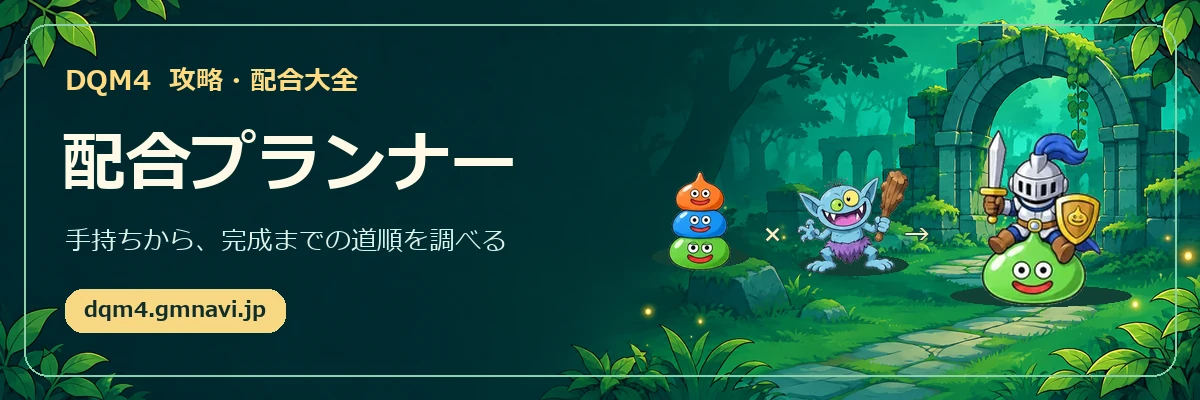
I'm putting banners in my blog
For developers
Related GMNAVI.JP articles and YouTube videos
GMNAVI.JPDQM4 categorynew arrivals
- 体験版クリア後にやること|DQM4引き継ぎのおすすめ8体と週末の段取り(2026年11月26日)
- [DQM4 Strategy] DQM4 Strategy and Combination Encyclopedia has been significantly updated | Recommendations by role, Strong enemy list, Bulletin board cooperation(2026 year 11 month 24 day)
- [DQM4 Strategy] How to use the combination planner | You can reversely look up materials from the monster you want to make.(2026 year 11 month 23 day)
- YouTubeTerry's Wonderland Play Video YouTube Play List
The 1st Monsters game. Watch the site owner play the game where synthesis began. - dragonquest.inDragon Quest Monsters 3 Strategy (dragonquest.in)
This is the strategy page for the previous work ``DQM3 The Journey of the Demon Prince and the Elf''. - GMNAVI.JPDQM4 articles on GMNAVI.JP
I've compiled articles on DQM4 other than the blog page. - dragonquest.inDragon Quest Strategy Complete list of works (dragonquest.in)
This is the entrance to the strategy and monster encyclopedia of successive series such as Dragon Quest I-XI and DQM3.
Continue with our related guide sites
Explore monsters from earlier games
To explore familiar DQM4 monsters in earlier games, open our series guides. Choose a game to continue to its monster locations and recruitment guides.
Browse guides by game Minecraft guidesFor Minecraft players, too
Visit our Minecraft guide site for your crafting and adventure questions. Find help for another game you enjoy alongside DQM4.
Read Minecraft guides